
1 Month
US$25 for 1 month
US$25/mo
- 24,000+ Live Channels
- Anti-freeze Technology
- 4K Ultra HD Support
- Fast Activation
- EPG TV Guide
- 24/7 Support
1 Month · 1 connection · US$25 total
Layerseven TV — Premium IPTV
Live channels, on-demand films and complete series on the screens you already own. Choose a subscription length, tell us how many devices need to stream at the same time, and our team guides the setup from start to finish.
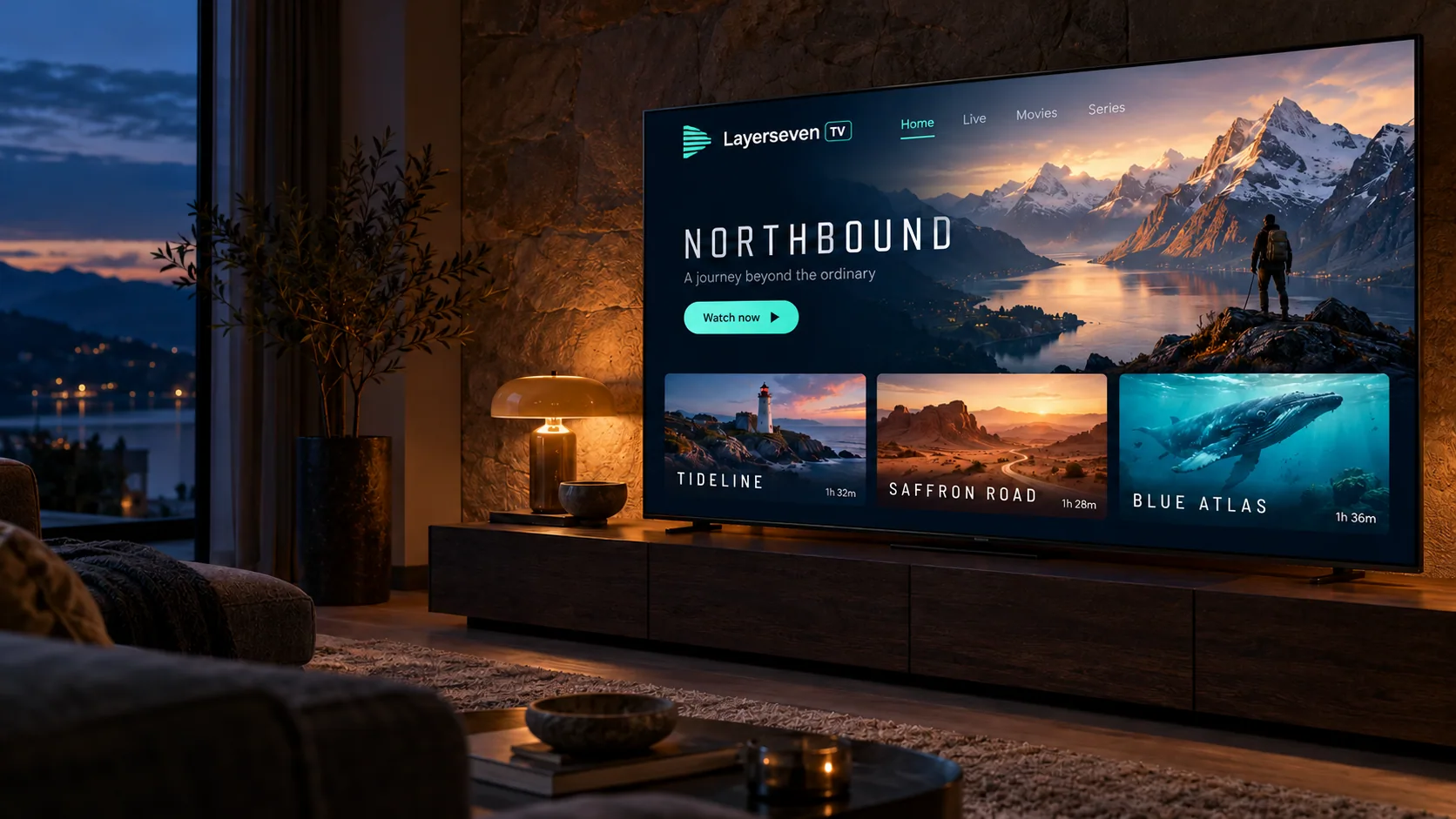
What this service is
Layerseven TV is an internet television subscription. There is no satellite dish, no engineer visit and no equipment to rent — the service runs over the broadband connection you already pay for, on hardware that is very likely already sitting in your living room.
Once an order is confirmed you receive the connection details for your plan together with a short setup guide written for your specific device. From that point Layerseven TV behaves like any other app on your television: open it, browse the guide, and play what you want.
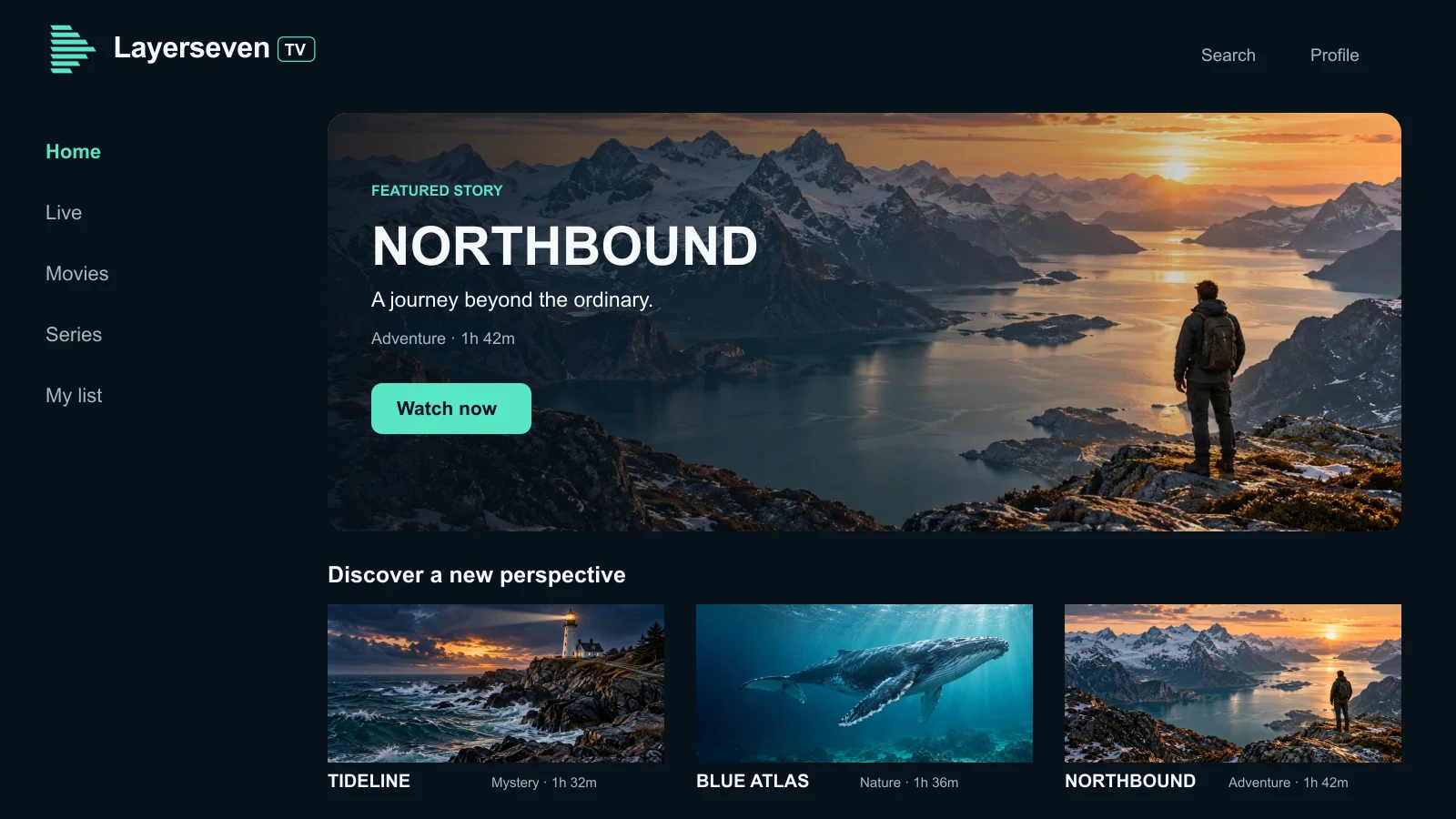
News, entertainment, documentary and sport channels grouped into categories you can actually navigate.
Films and full series available to start whenever you like, with resume support across your devices.
An electronic programme guide so you can see what is on now and what is coming up next.
Plans cover one to five simultaneous connections, so more than one person can watch at the same time.
Pricing
Choose how many devices need to stream at the same time, then pick a term. Every figure below is the full amount for the whole period in US dollars.
How many devices need to stream at the same time?
1 connection = 1 device streaming at once
US$25 for 1 month
US$25/mo
1 Month · 1 connection · US$25 total
US$45 for 3 months
US$15/mo save 40%
3 Months · 1 connection · US$45 total
US$65 for 6 months
US$10.83/mo save 56%
6 Months · 1 connection · US$65 total
Longer-Term Option
US$90 for 12 months
US$7.50/mo save 70%
12 Months · 1 connection · US$90 total
All Layerseven TV plans include the same features. The only differences are the length of the term and how many devices can stream at the same time.
Why Layerseven TV
No superlatives, no invented statistics — just what the subscription actually does for you.
A single Layerseven TV plan covers between one and five simultaneous connections, so the television, a tablet and a phone can all be in use without a second account.
Streaming sticks, Android televisions, phones, tablets and computers are all common starting points. Nothing extra has to be bought before you can try it.
Twenty published prices, one currency, and the total you see is the total for the whole term. Nothing is added at the end of the checkout.
Channels arrive grouped into categories with an electronic programme guide attached, rather than as one enormous unsorted list.
The same team that answers Layerseven TV sales questions also answers setup questions afterwards, on the WhatsApp number published across this site.
Terms run for one, three, six or twelve months and then simply end. There is no rolling contract to escape from and no exit fee.
Channels and entertainment
Layerseven TV is organised into clear categories so you can find something quickly, rather than scrolling past a thousand channels you will never open.
Football, motorsport, combat sport, cricket, tennis and more, with dedicated channels grouped together so fixtures are easy to find.
Recent releases and back catalogue, sorted by genre, with an on-demand library you can start at any time.
Full seasons kept together, with episode listings and resume support so you can pick up where you left off.
Channels in a wide range of languages, grouped by country and region rather than mixed into one list.
Rolling news, business coverage, factual programming, history, science and nature.
Animation, pre-school programming and family films, kept in their own category for easy access.
Reality, comedy, lifestyle, music and general entertainment channels.
Find a channel or title by name and keep the ones you watch most in a favourites list.
Cover artwork, titles and run times sit next to the listings, so you can see what something is before you commit an evening to it. Favourites keep the channels you watch most at the top.
Category and channel availability varies by region and changes over time. Confirm the specific channels you care about with our team before you order.
Compatible devices
Most households already have something that will run it. These are the usual starting points.
The most common starting point. Works on Fire TV Stick, Fire TV Stick 4K and Fire TV Cube.
Setup guideSet-top boxes and dongles running Android TV or Google TV, including many soundbar and projector systems.
Setup guideSamsung, LG and other smart televisions, either through a compatible player or with a streaming stick in the HDMI port.
Setup guideApple hardware using a compatible third-party player from the App Store.
Setup guideWatch on the move, or cast to a television on the same network.
Desktop and laptop computers using a standard media player that supports streaming playlists.

Set the service up on as many devices as you like. Your plan limits how many can play at the same moment, not how many are installed — so the television, a tablet in the kitchen and a phone in the garden can all be ready in advance.
If the device you want to use is not listed here, message us before ordering and we will tell you honestly whether Layerseven TV will run on it.
How it works
There is no application form and no waiting period.
Pick the number of simultaneous connections you need and the term that suits you. The pricing selector above updates every total, monthly equivalent and saving as you change your choice.
Each plan button opens a WhatsApp message to the Layerseven TV team that already contains the term, the connection count and the price, so nothing is mistyped.
Install the player we recommend for your device, enter the details we send you, and Layerseven TV is ready on that screen. Our installation guide covers each device step by step.
Streaming quality
Picture quality on any internet television service rests on three things: the quality of the source stream, the capacity of the delivery network, and the speed of your own broadband line. The first two are our responsibility. The third is worth checking before you buy, which is why the recommended speeds are published below rather than buried in a help article.
A wired Ethernet connection is steadier than Wi-Fi, and 5 GHz Wi-Fi is steadier than 2.4 GHz. If several people stream at once, add the figures together. Run a speed test on the device you plan to watch on, and if the result falls short of the resolution you want, tell us — we would rather recommend a Layerseven TV plan that works on your line than sell you one that does not.
These are recommended minimum speeds per simultaneous stream. Resolution also depends on the individual channel or title, and not every channel is produced in every resolution.

Customer support
Every Layerseven TV enquiry reaches the same team, whether you are asking a question before ordering or need a hand after activation. There is no ticket queue to navigate and no call centre script.
Ask us about device compatibility, the channels you care about, which plan suits your household, or anything on Layerseven TV that is not behaving as expected. If we cannot help with something, we will say so plainly.
The fastest way to reach us, and the channel every plan button on this site opens.
Useful when you need to send screenshots or keep a written record of a conversation.
Step-by-step installation articles for each supported device, plus a general FAQ.
Frequently asked questions
If something is not covered here, the full FAQ page goes further, and WhatsApp is always open.
Layerseven TV is a premium IPTV subscription: live television channels and an on-demand library delivered over your existing internet connection, to devices you already own. It replaces the aerial or the satellite dish, not your broadband.
That depends on the plan you choose. One connection means one device streaming at any moment; five connections means five. You can install the service on more devices than that — the limit is how many play at once.
The common choices are Amazon Fire TV Stick, Android TV and Google TV boxes, Android phones and tablets, Apple TV, iPhone and iPad through a compatible player, smart televisions, and desktop computers. The compatible devices page lists each one with a setup guide.
Prices on this site are quoted in US dollars, which is the billing currency. Payment is arranged directly with our team when you send your plan enquiry, and the available methods are confirmed in that conversation before anything is charged.
Activation is handled manually by our team once payment is confirmed, so it depends on when you order. Ask on WhatsApp for the current turnaround before you pay — we would rather give you a realistic answer than an advertised one.
Any trial offer, its length and its conditions are confirmed by our team at the time you enquire. We do not advertise a trial on this page that we cannot honour on the day you ask for it.
As a guide, allow 10 Mbps per simultaneous stream for high definition and 25 Mbps for 4K where it is available. Add those figures together if several people watch at once, and prefer a wired connection on the main television.
Pick a term, tell us how many screens you need, and send one message. We will confirm the details and walk you through setup on your device.